
Best Gaming Accessories You Actually Need in 2026
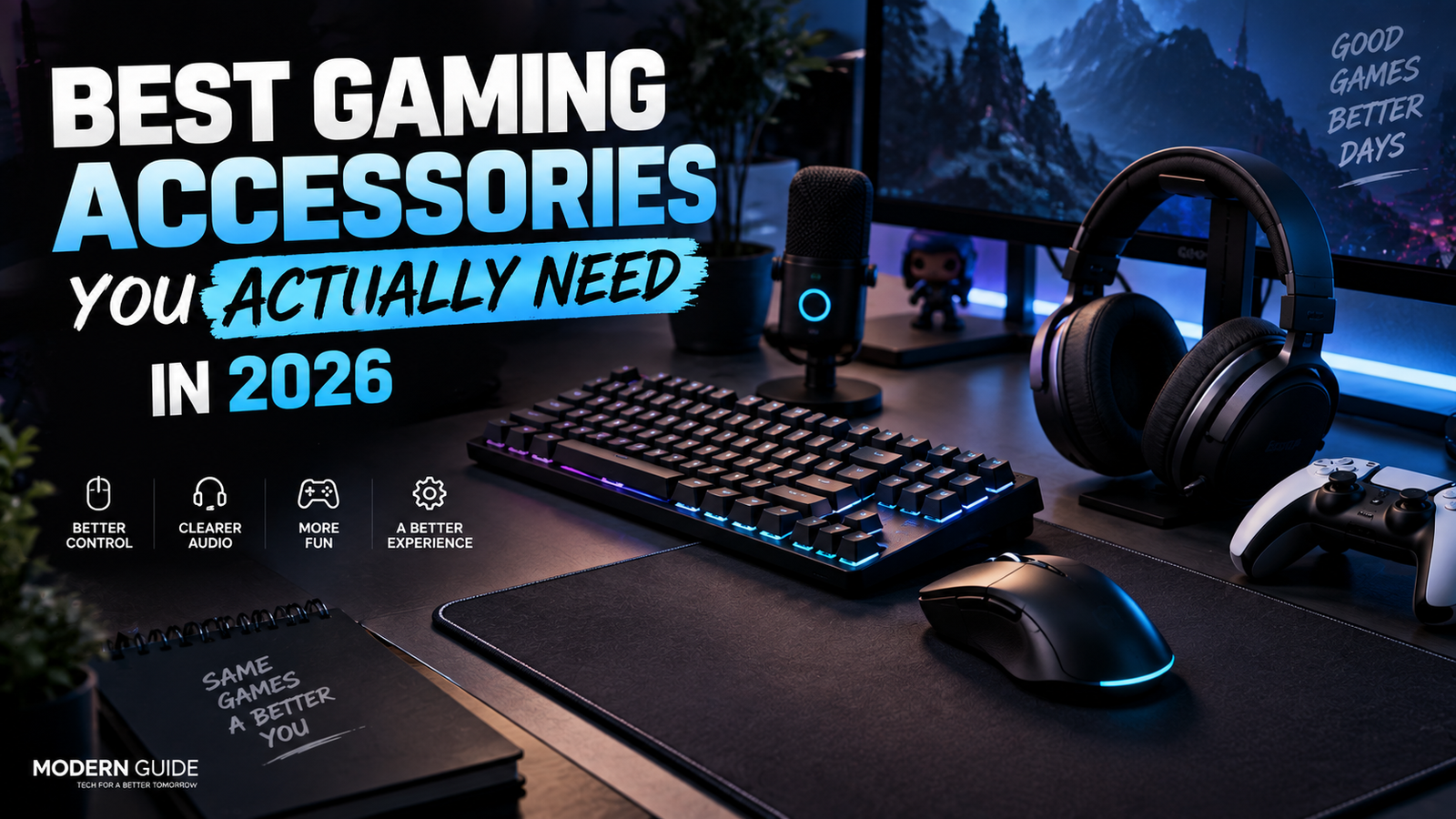
You don’t need a desk covered in RGB lights to have a good gaming setup.
You also don’t need to spend ₹50,000 on accessories just because a YouTuber says you do.
The truth is pretty simple.
A few good gaming accessories can make your setup more comfortable, more responsive, and just more enjoyable to use.
But a lot of gaming gear is also completely optional.
So in this guide, I’m focusing on the accessories that actually make a difference in 2026.
I’ll also tell you which ones I think are worth buying and which ones you can skip.
Quick Picks
| Accessory | My Pick | Best For |
|---|---|---|
| Gaming Mouse | Razer Viper V4 Pro | Competitive gaming |
| Gaming Keyboard | Razer Huntsman V3 HE | Competitive FPS |
| Mouse Pad | SteelSeries QcK Performance | FPS and everyday gaming |
| Gaming Headset | HyperX Cloud III S Wireless | Most gamers |
| Controller | 8BitDo Ultimate 2C | PC gaming and casual games |
| Gaming Microphone | Shure MV6 | Streaming and voice chat |
| USB Hub | Good powered USB-C hub | More desk connectivity |
| Wrist Rest | Soft memory foam rest | Long gaming sessions |
You don’t need all of these.
If you’re starting from scratch, I’d buy the mouse, mouse pad and headset first.
Everything else depends on how you play.
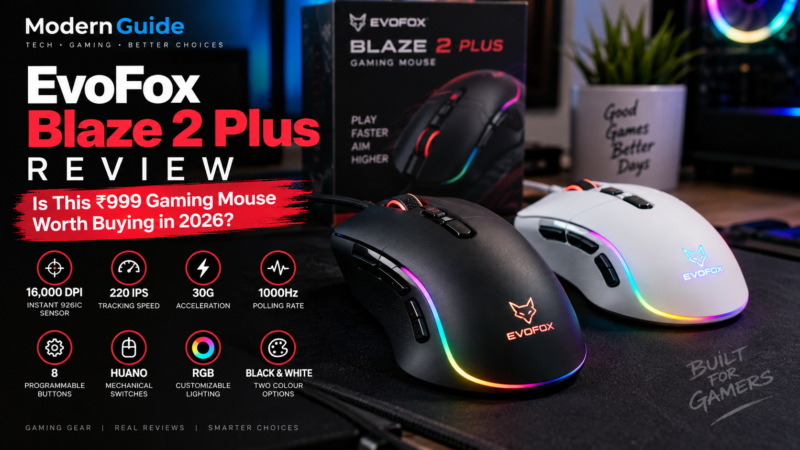
1. A Good Gaming Mouse
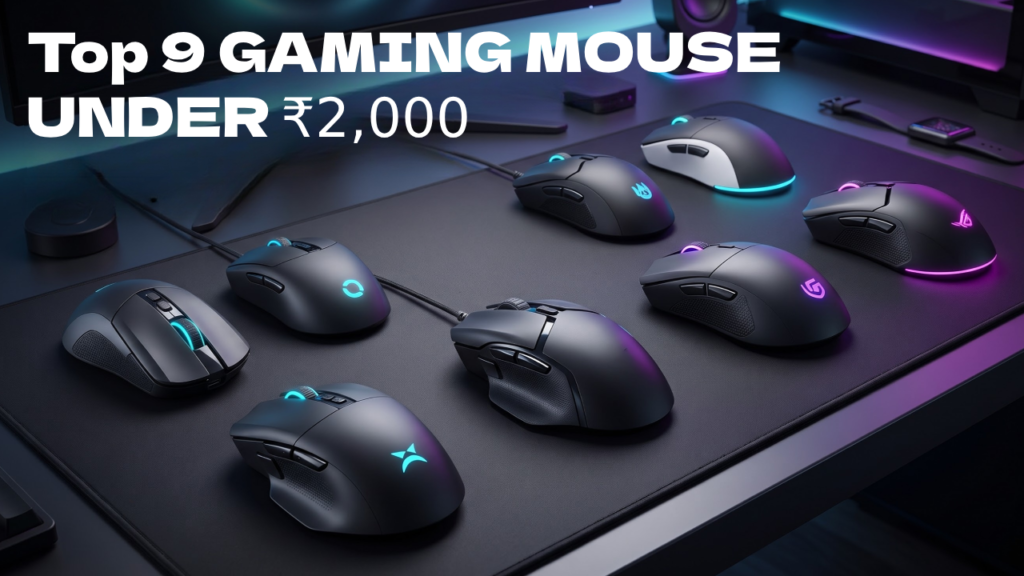
This is probably the first accessory I’d spend money on.
Your mouse is something you use constantly.
Every movement, click and flick goes through it.
For competitive games, a good mouse can make your setup feel much better, especially if your current mouse is heavy, uncomfortable or has a poor sensor.
One of the high-end options worth looking at in 2026 is the Razer Viper V4 Pro
It’s lightweight, wireless and designed heavily around competitive performance.
There are also newer options like the Logitech G Pro X2 Superstrike, which takes a different approach with adjustable click actuation and rapid trigger features.
You don’t need either of these, though.
That’s important.
A good gaming mouse around the mid-range can still be excellent.
What I’d look for
- Comfortable shape
- Low weight
- Good sensor
- Reliable wireless connection
- Good battery life
- At least two useful side buttons
- Feet that glide smoothly
Don’t get obsessed with DPI numbers.
Most gamers don’t need 30,000 or 50,000 DPI.
Shape and comfort matter much more.
Who needs it?
Everyone.
If you already have a mouse that you love, keep it.
There’s no reason to upgrade just because a new mouse has a higher DPI number.
If you Need Best of Best mouse options then CLICK HERE
2. A Good Gaming Keyboard
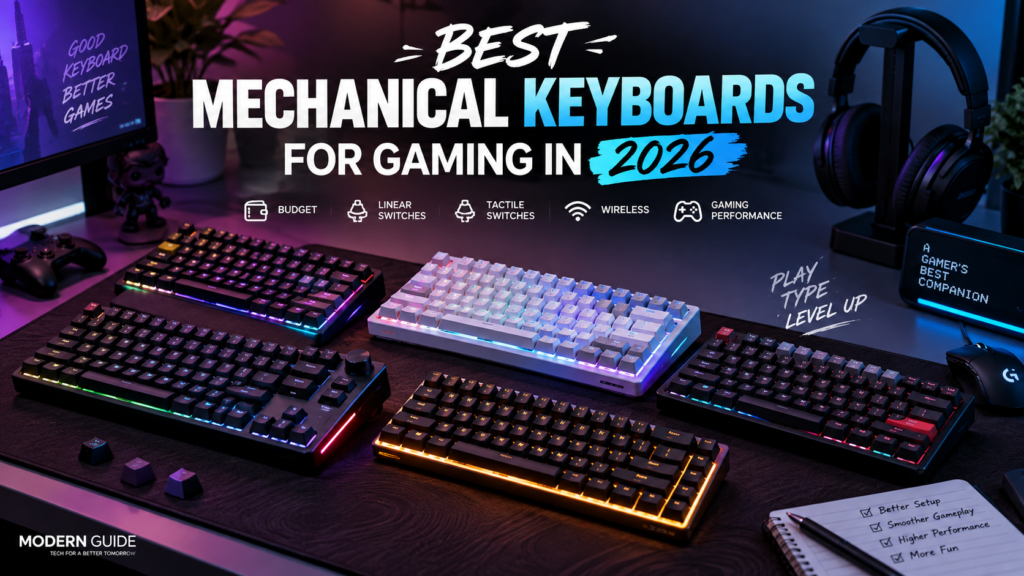
If you’re building a gaming setup, a good keyboard is one of the accessories I’d actually spend money on.
You don’t need the most expensive mechanical keyboard you can find.
You just want something that feels good to type on, responds quickly and fits the games you play.
For gaming in 2026, I’d personally look for a mechanical or Hall Effect keyboard.
Mechanical keyboards give you better key feel and usually offer more customization.
Hall Effect keyboards go a step further with features like adjustable actuation and Rapid Trigger, which can be especially useful in competitive FPS games.
What I’d look for
- Comfortable key switches
- Good build quality
- Low input latency
- Hot-swappable switches if you like customization
- Reliable wired or wireless connection
- A layout that gives you enough desk space
- Good keycaps
You also don’t necessarily need a full-size keyboard.
A 75% or TKL keyboard can be a great choice for gaming because you get the important keys while leaving more room for your mouse.
Mechanical vs Hall Effect
If you mainly play normal games, a good mechanical keyboard is more than enough.
If you play competitive FPS games and want the latest gaming features, Hall Effect keyboards are worth looking at.
The biggest advantage is adjustable actuation.
You can decide how far a key needs to be pressed before it registers.
Some models also support Rapid Trigger, which can make repeated movement inputs feel faster.
But don’t buy a Hall Effect keyboard just because it sounds impressive.
For most gamers, a good mechanical keyboard already does the job.
Do you need an expensive keyboard?
No.
I’d rather have a comfortable ₹5,000 to ₹10,000 keyboard than spend ₹20,000+ just for extra features I won’t use.
Spend more when you actually care about things like wireless connectivity, premium build quality, customizable switches or competitive gaming features.
My advice: choose the keyboard based on how it feels to you, not how many features are written on the box.
2. A Large Mouse Pad
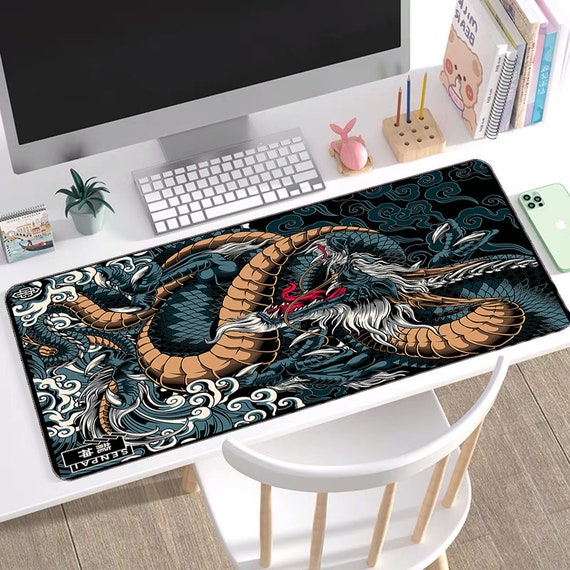
This is one accessory people overlook.
And it’s cheap compared with most gaming gear.
A good mouse pad gives your mouse a consistent surface to move across.
For FPS games especially, having enough room for your mouse can be much better than using a tiny pad.
I personally prefer a large cloth mouse pad.
The SteelSeries QcK line is still a simple option, while the newer QcK Performance range gives you different surface types depending on whether you want more control or faster movement.
You don’t need RGB around your mouse pad.
You don’t need a $100 glass pad either.
A clean, large cloth pad can do the job perfectly well.
What I’d look for
- Large surface
- Non-slip rubber base
- Smooth tracking
- Stitched edges
- Easy cleaning
- Enough room for your sensitivity
If you play at low sensitivity, go bigger.
It’s that simple.
3. A Comfortable Gaming Headset
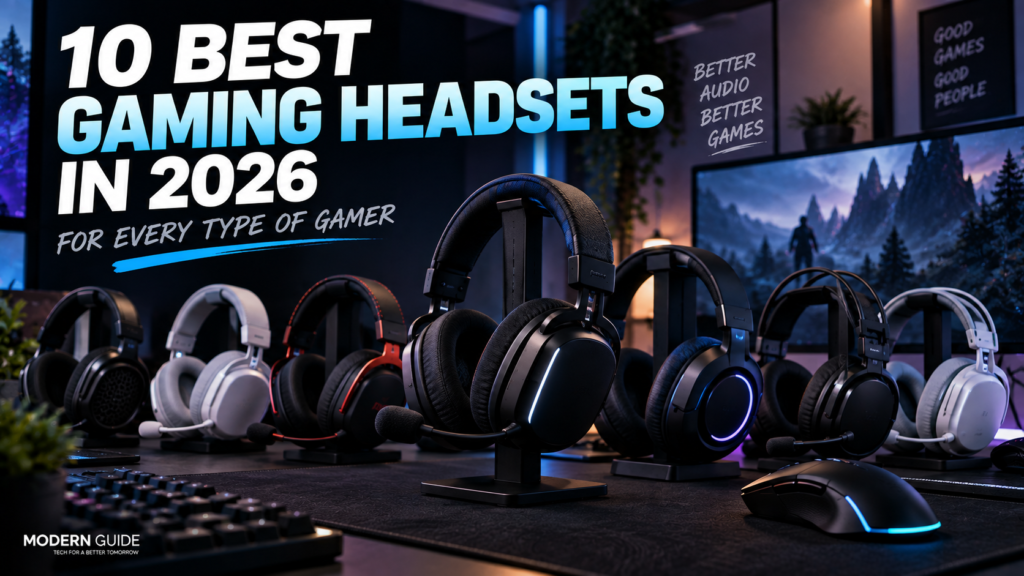
Good audio can change how you play.
- You can hear footsteps.
- You can notice reloads.
- You can hear where a sound is coming from.
- And outside competitive games, good headphones simply make games more immersive.
The HyperX Cloud III S Wireless is one interesting option in 2026.
It offers 2.4GHz wireless, Bluetooth, 53mm drivers and very long battery life. It also works across PC, Mac, PS5, mobile and Switch.
But again, you don’t need an expensive headset.
If you’re mostly playing single-player games, a decent pair of headphones can work just as well.
Wireless or wired?
I’d choose wireless if you hate cables.
I’d choose wired if you want to spend less and don’t care about having a cable on your desk.
Modern 2.4GHz gaming headsets are good enough that I wouldn’t avoid wireless just because of latency.
What I’d look for
- Comfortable ear cushions
- Good microphone
- Clear footsteps and voices
- 2.4GHz wireless if going wireless
- Good battery life
- Compatibility with your platform
A headset can sound amazing, but if your head hurts after an hour, what’s the point?
Comfort is extremely important.
4. A Gaming Controller
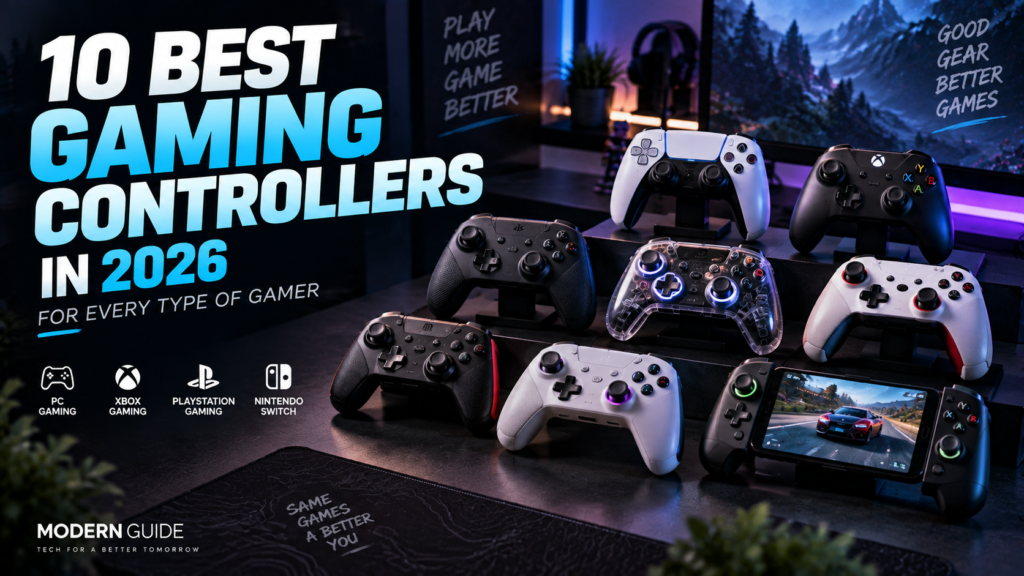
You don’t need a controller for every game.
For FPS games like Valorant or Counter-Strike, I’d stick with a mouse and keyboard.
But for racing games, sports games, platformers and many single-player games, a controller can be much better.
For PC, the 8BitDo Ultimate 2C Wireless is an interesting budget option.
It has Hall Effect joysticks and triggers, 1000Hz polling over 2.4GHz and wired connections, plus extra remappable buttons. It’s designed for Windows and Android.
That’s a lot for a relatively inexpensive controller.
If you want something simple, an Xbox controller is still an easy choice for a PC.
The main thing I’d check before buying is compatibility.
Especially if you’re using PlayStation, Xbox, Switch or PC.
Not every controller works everywhere.
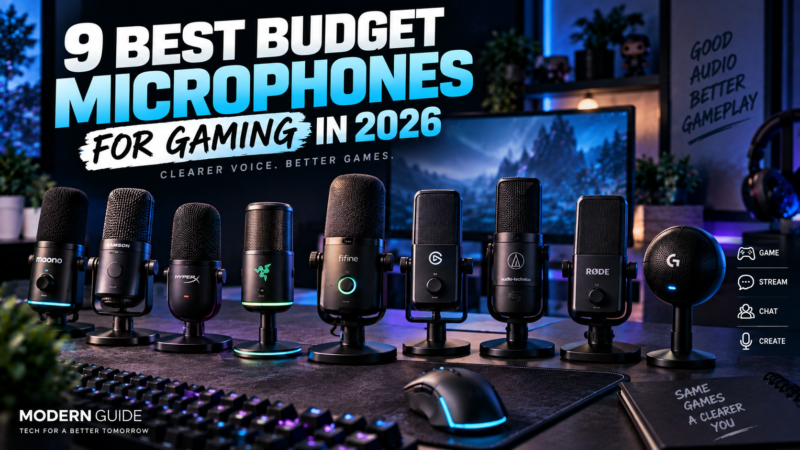
5. A Proper Microphone
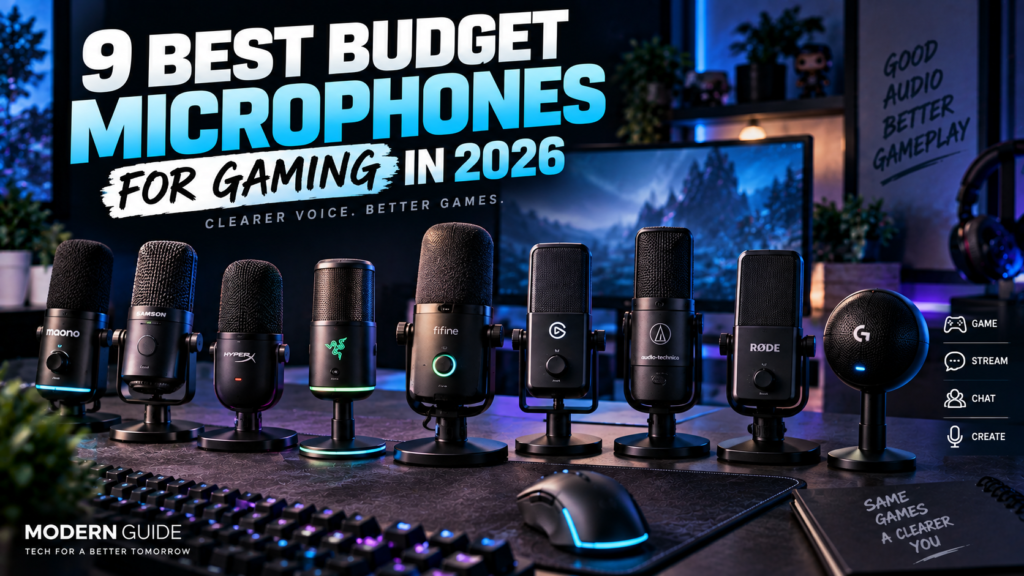
This one is different.
You don’t need a dedicated microphone if you’re just playing games with friends.
Most decent gaming headsets already have a microphone.
But if you stream, make YouTube videos, record gameplay or spend a lot of time in Discord, a dedicated microphone can make a noticeable difference.
The Shure MV6 is one example. But If you want more Options cheaper to expensive. CLICK HERE
It’s a USB gaming microphone with features like automatic level adjustment, noise reduction, a tap-to-mute button and USB-C connectivity.
The biggest advantage of a dedicated mic isn’t just better sound.
It’s consistency.
Your voice can sound clearer without needing to shout into your headset microphone.
Do you need one?
Casual gamer: No.
Competitive gamer: Not necessarily.
Streamer: Yes.
YouTube creator: Definitely worth considering.
Don’t buy a $200 microphone just to talk to your friends on Discord.
That’s overkill.
6. A USB Hub
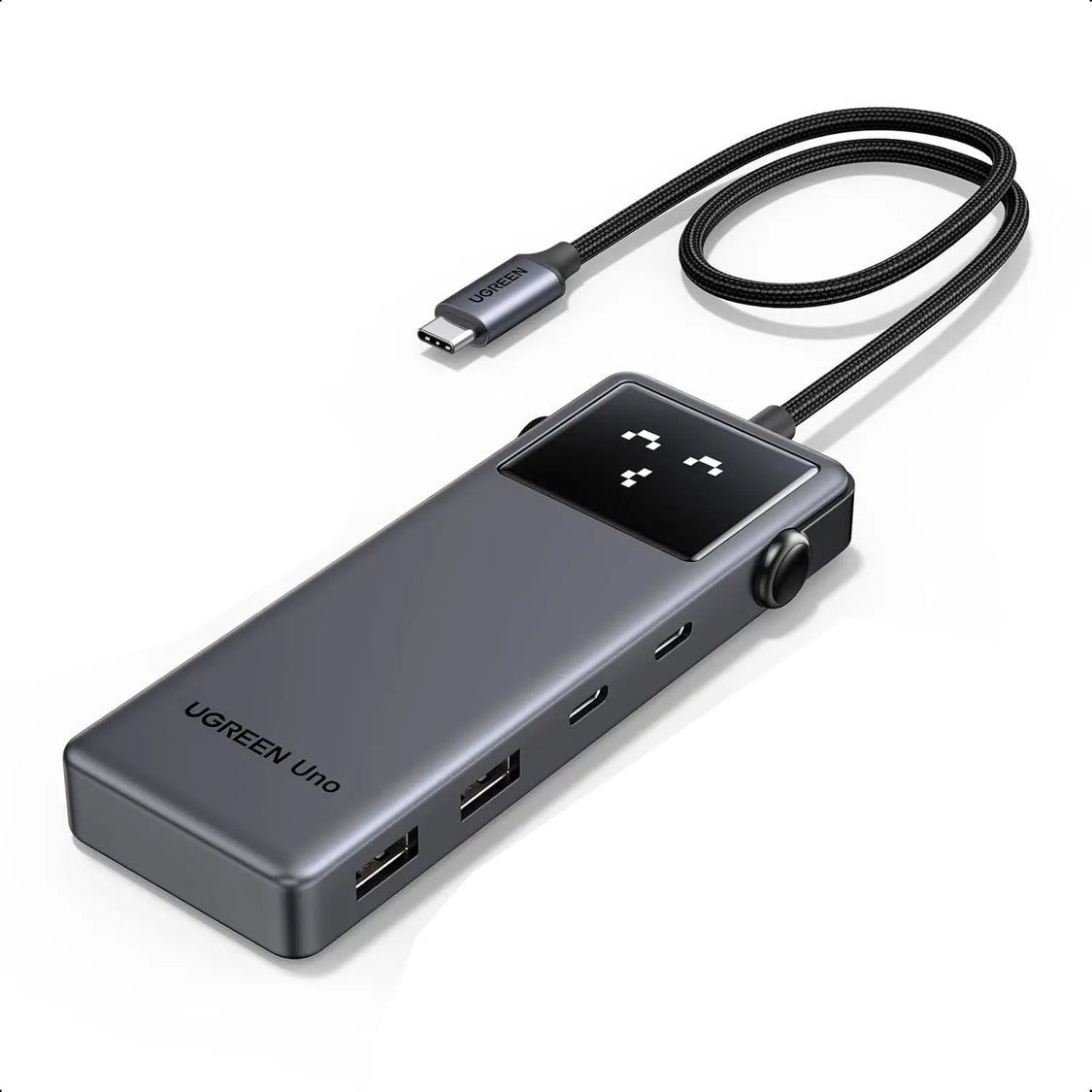
This is probably the least exciting accessory on this list.
But it’s one of those things you appreciate once you have one.
Gaming setups can quickly run out of USB ports.
And suddenly your PC is full of cables.
A good USB hub can clean that up.
If you have a laptop, it’s even more useful.
I’d look for a hub with the ports you actually need rather than buying the one with the biggest number printed on the box.
If you’re connecting power-hungry devices or external storage, consider a powered hub.
Otherwise, a simple USB-C hub can be enough.
7. A Wrist Rest
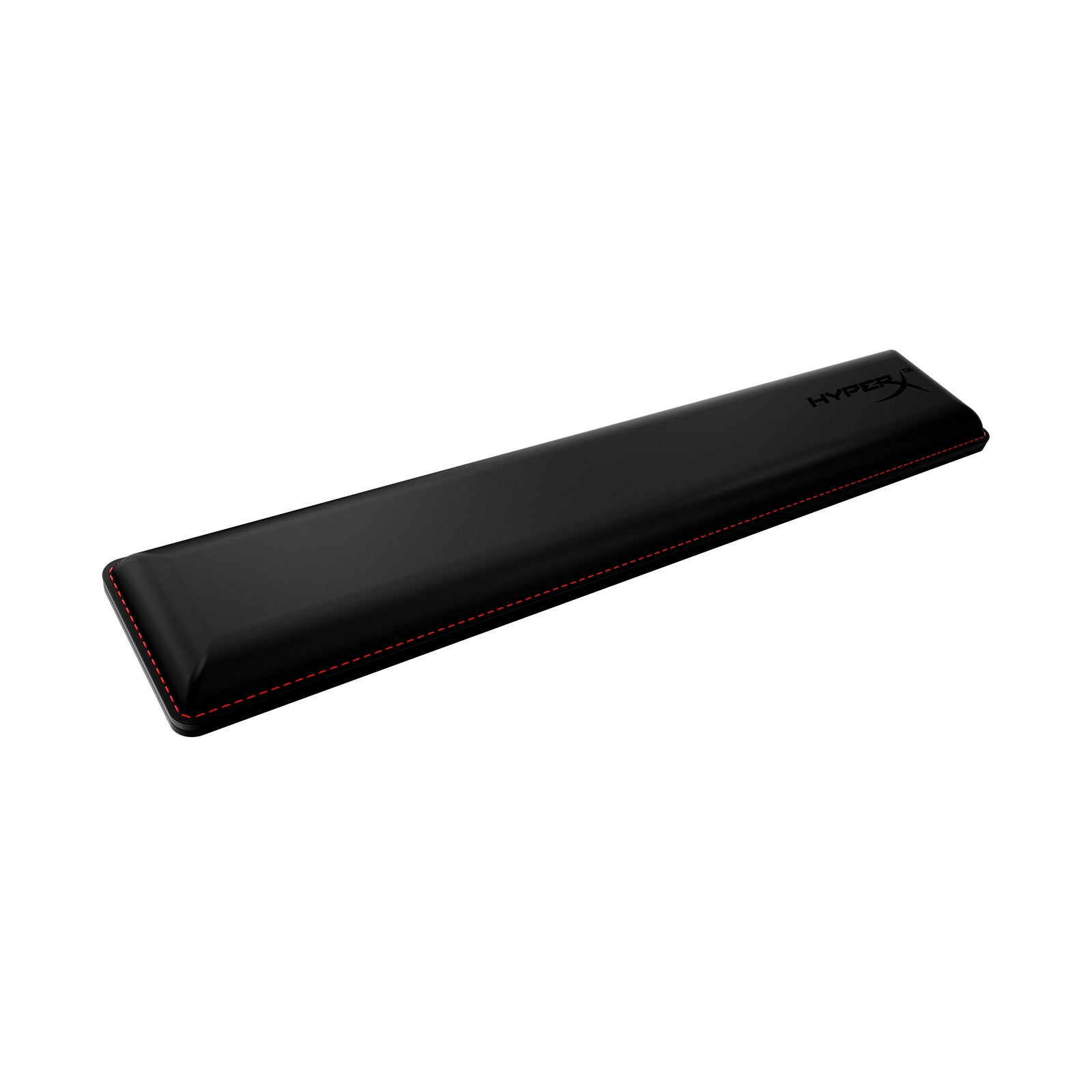
This is optional.
Very optional.
But if your wrists feel uncomfortable during long gaming or typing sessions, a good wrist rest can help.
I wouldn’t buy one just because it says “GAMING“ on the box.
You don’t need RGB.
You don’t need an expensive branded wrist rest.
A comfortable memory foam or soft wrist rest is enough.
Also, don’t force your wrists onto it while playing.
Your hands should still be able to move naturally.
Accessories You Probably Don’t Need
This is my favorite part of the list.
Because gaming companies will sell you almost anything if they can put RGB on it.
RGB Mouse Bungee
Looks cool.
Not necessary.
If you’re using a wireless mouse, you don’t even need one.
Gaming Gloves
Unless you have a specific reason for them, skip them.
Your mouse doesn’t need a special glove to work properly.
RGB Everything
RGB can make a setup look great.
I have nothing against it.
But RGB doesn’t make your mouse faster, your keyboard better or your games more enjoyable by itself.
Buy it because you like the look.
Not because you think it improves performance.
Gaming USB Cables That Cost a Fortune
A good cable is useful.
An expensive cable with a fancy name usually isn’t.
For most gaming peripherals, you don’t need to spend a huge amount on the cable.
Gaming Chair With “Esports” Branding
Be careful here.
A chair being called a gaming chair doesn’t automatically mean it’s comfortable.
If you’re buying a chair, focus on ergonomics, adjustability and support.
The logo shouldn’t be the deciding factor.
What I Would Buy First
If I were building a gaming setup from zero, I wouldn’t buy everything at once.
I’d go in this order.
1. Gaming Mouse
Get something comfortable that fits your hand. Click Here For Best Mouses
2. A good Keyboard
Get a best Gaming Keyboard its very important everywhere Click Here for More Options
2. Large Mouse Pad
This is relatively cheap and makes the whole mouse setup feel better.
3. Headset
Get something comfortable with good audio and a decent microphone. Click here
4. Controller
Only if you play games where a controller makes sense. Click Here
5. Dedicated Microphone
Only if you stream, make content or care a lot about voice quality. Click Here
6. USB Hub
Buy one when you actually start running out of ports.
7. Everything Else
Only buy it if you have a reason.
That’s the part I think a lot of gaming setups get wrong.
They buy accessories first and figure out what they actually needed later.
How Much Should You Spend?
You don’t need a massive budget.
A good basic setup can be built fairly cheaply.
If you’re on a tight budget, I’d rather see you buy:
A ₹2,000 to ₹5,000 mouse + a good mouse pad + a decent headset
than spend the same money on RGB accessories.
If you have more money, upgrade the things you use every day.
That’s usually the better investment.
For example, spending more on a mouse you’ll use for five hours every day makes more sense to me than spending extra money on a desk accessory you’ll barely notice after a week.
Final Thoughts
You really don’t need a room full of gaming accessories.
A good mouse.
A good Keyboard
A decent mouse pad.
A comfortable headset.
That’s already enough for most gamers.
Add a controller if you play games that benefit from one.
Add a microphone if you stream or make content.
Add other accessories when you actually have a problem they solve.
That’s how I’d build a gaming setup in 2026.
Buy things that make gaming better.
Don’t buy things just because they look like gaming gear.
At the end of the day, the best gaming setup isn’t the one with the most accessories.
It’s the one you actually enjoy using.

3 thoughts on “Best Gaming Accessories You Actually Need in 2026”