Gaming Setup Under ₹10,000
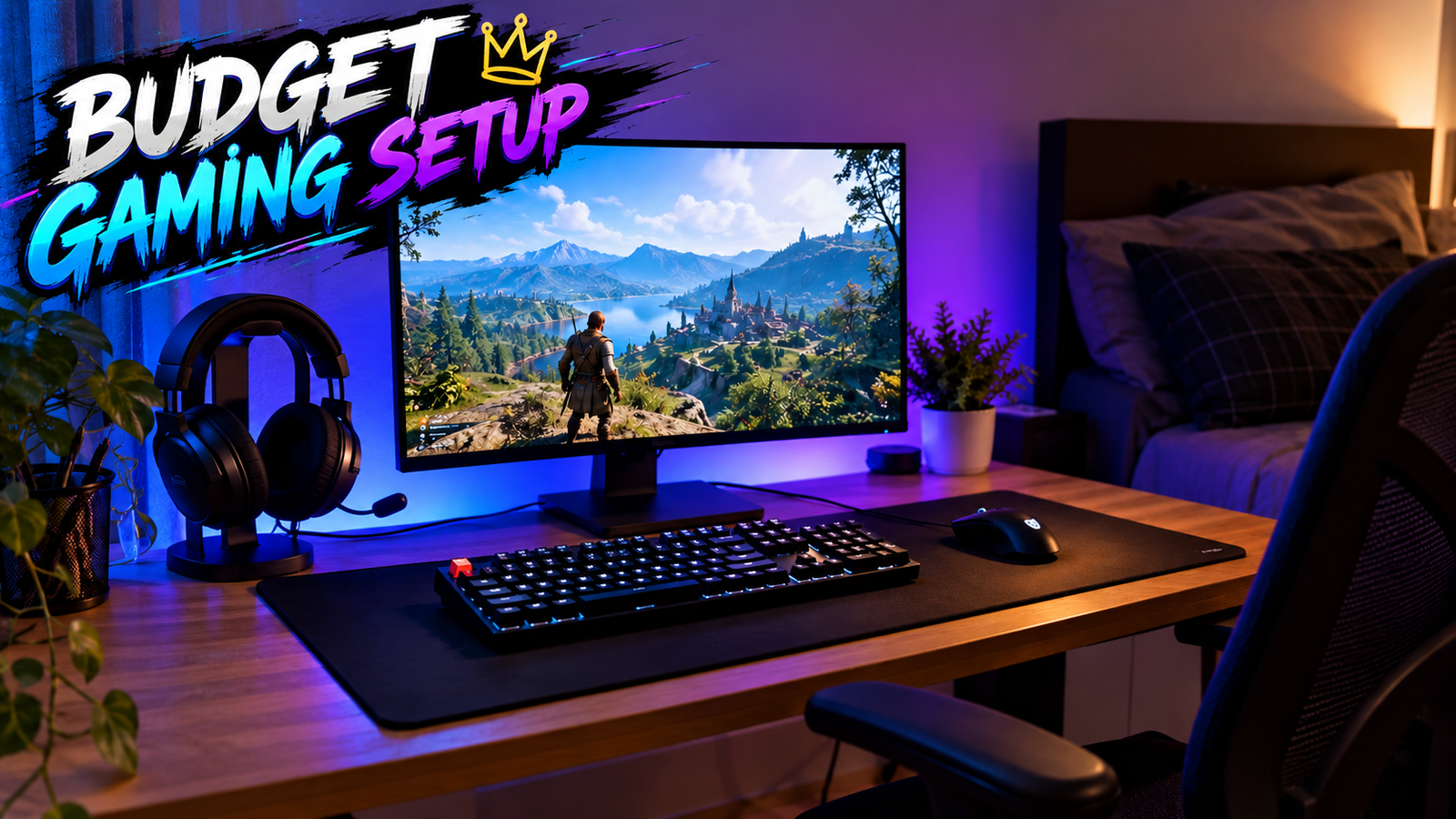
Gaming Setup Under ₹10,000: Build a Clean Gaming Setup Without Wasting Money
Can You Really Build a Gaming Setup Under ₹10,000?
Yes, but there’s an important catch.
If by “gaming setup” you mean a complete gaming PC, monitor, keyboard, mouse, headset and desk, ₹10,000 isn’t enough for a modern setup.
But if you already have a gaming PC, laptop or console and want to build the actual gaming desk around it, ₹10,000 can go surprisingly far.
And honestly, you don’t need a desk covered in expensive RGB accessories to have a good gaming setup.
The goal should be simple:
Spend money on things that improve your gaming experience, not things that only make your desk look expensive.
For a ₹10,000 budget, I’d focus on four things:
- A good monitor
- A reliable keyboard and mouse
- A comfortable headset
- A clean desk setup
Everything else can come later.
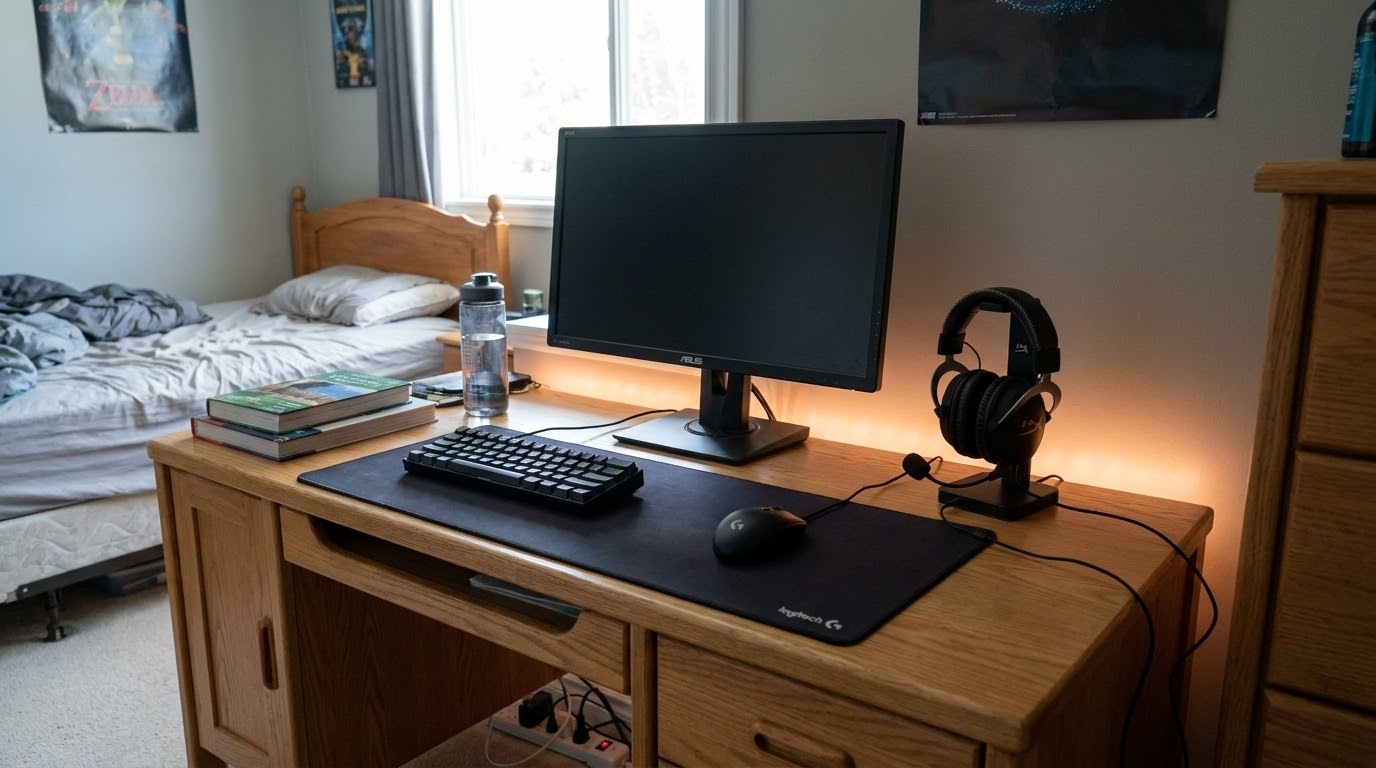
What Should You Buy With ₹10,000?
Here’s the basic budget split I’d use:
| Component | Recommended Budget |
| Monitor | ₹5,500–₹6,500 |
| Keyboard + Mouse | ₹1,000–₹1,500 |
| Headset | ₹800–₹1,200 |
| Mouse Pad | ₹200–₹400 |
| Cable Management | ₹100–₹300 |
| Total | ₹7,600–₹9,900 |
This gives you a little breathing room for sales, shipping or unexpected price changes.
And that’s important because hardware prices aren’t fixed. A product that costs ₹6,000 today could easily cost ₹6,500 or ₹5,500 during a sale.
1. Put Most of Your Budget Into the Monitor
This is probably the most important part of the setup.
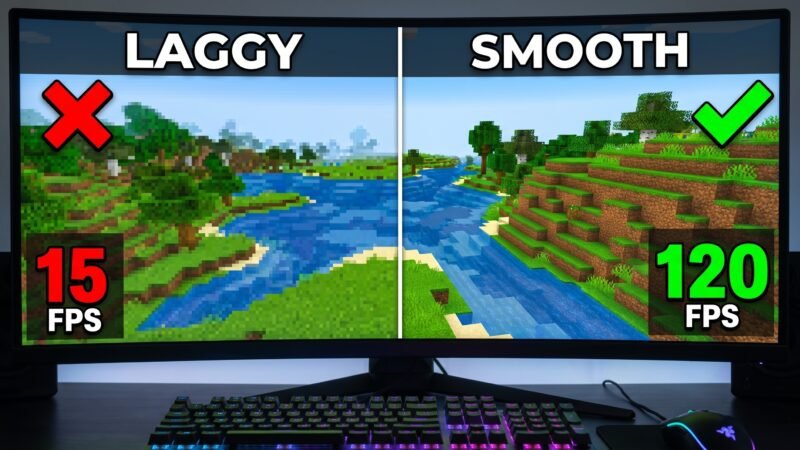
If you’re currently using an old 60Hz office monitor, upgrading to a 1080p high-refresh-rate display can make the entire setup feel newer.
For this budget, I’d look for:
- 23.8–24-inch screen
- 1920 × 1080 resolution
- 100Hz+ refresh rate
- IPS or a good VA panel
- Adaptive Sync / FreeSync where available
- HDMI input
- Reasonable response-time performance
Current 2026 budget-monitor guides continue to highlight 24-inch 1080p displays with 144Hz-class refresh rates as a sensible option for buyers moving up from 60Hz/75Hz displays.
Why 1080p?
Because your monitor should match your hardware.
If you have an entry-level or older gaming GPU, pushing 1440p or 4K isn’t always the best use of your money.
A good 1080p monitor can provide:
- Higher FPS potential
- Lower GPU load
- Lower purchase price
- Good image quality at 24 inches
- Plenty of performance for competitive games
What about 144Hz?
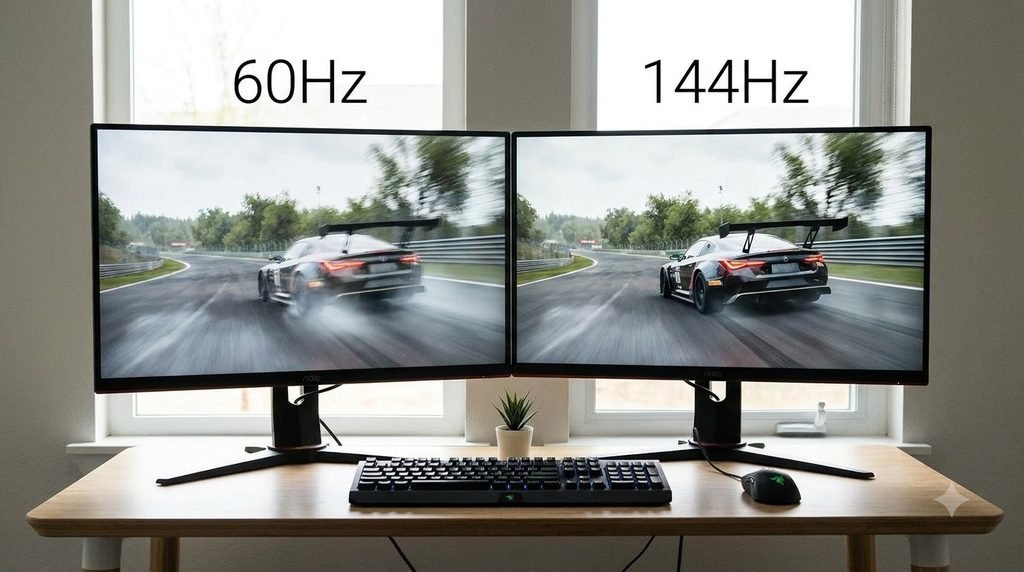
144Hz isn’t mandatory.
But if you can find a good 120Hz, 144Hz or 165Hz monitor within your budget, it can be a worthwhile upgrade.
Remember:
A 144Hz monitor doesn’t automatically give you 144 FPS.
Your PC still needs to produce those frames.
2. Don’t Overspend on Your Keyboard
Your keyboard doesn’t need to cost half your budget.
At this price point, I’d rather have a reliable budget keyboard than an expensive RGB keyboard that leaves you with no money for the monitor.
Look for:
- Comfortable layout
- Anti-ghosting
- Decent key durability
- Wired USB connection
- Good warranty
- Mechanical switches if you can find a genuinely good option within budget
But don’t feel pressured to buy mechanical.
A good membrane keyboard can still be perfectly usable for gaming.
The biggest mistake?
Buying a keyboard because it has:
“Rainbow RGB + Gaming Mode + 1000 effects!”
RGB is nice.
It doesn’t make your games run better.
3. Choose the Mouse Carefully
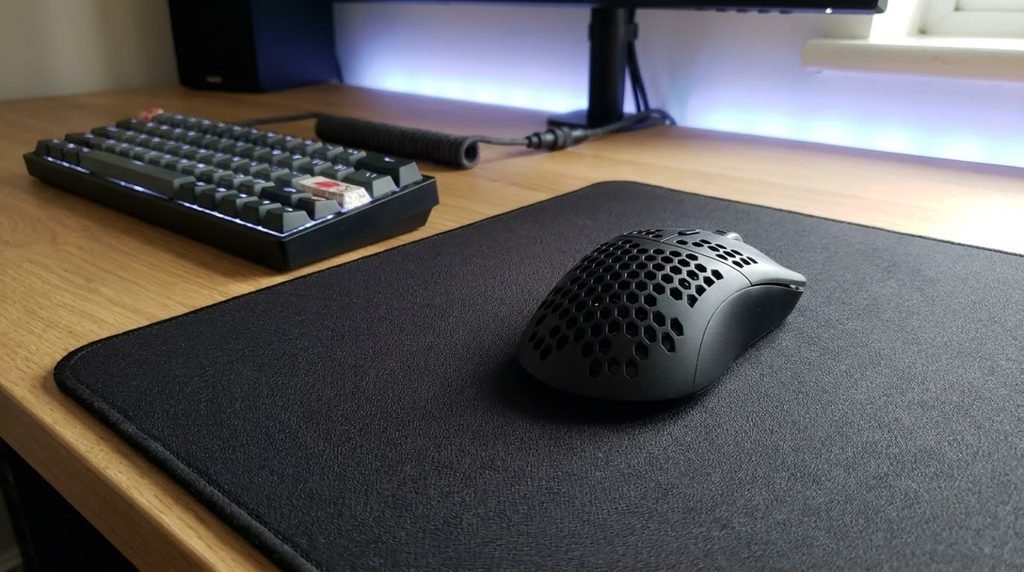
The mouse is one component where comfort matters more than specifications.
Before buying one, think about:
- Your hand size
- Grip style
- Mouse weight
- Sensor quality
- Cable flexibility
- Number of buttons
If you play FPS games, a comfortable lightweight mouse can be more useful than a mouse covered in unnecessary buttons.
You also don’t need an absurd DPI number.
A mouse advertising 20,000 DPI isn’t automatically better than one with a much lower maximum DPI.
What actually matters?
Sensor tracking + shape + weight + comfort.
Those are the things you’ll notice while playing.
4. You Don’t Need a ₹5,000 Headset
For a ₹10,000 total setup, spending several thousand rupees on a headset doesn’t make sense.
Look for a basic wired gaming headset with:
- Comfortable ear cushions
- Clear microphone
- Decent stereo sound
- 3.5mm compatibility or USB
- Good build quality
If you already own decent headphones or earphones, don’t buy another headset just for the setup.
Use what you already have.
Put the saved money toward the monitor.
For comparison, current 2026 budget headset coverage still includes sub-$100 wireless options, showing that entry-level gaming audio doesn’t necessarily require premium pricing.
5. Get a Large Mouse Pad
This is one of the easiest ways to make a cheap setup look better.
Instead of spending ₹500–₹1,000 on a tiny RGB mouse pad, I’d rather buy a simple large cloth mat.
A large mouse pad gives your keyboard and mouse a common visual area and makes the desk look much cleaner.
And unlike RGB lighting, it actually affects how your mouse feels.
My Ideal ₹10,000 Gaming Setup
If I had exactly ₹10,000, here’s how I’d approach it:
| Product Category | Target |
| 24-inch 1080p high-refresh monitor | ₹6,000 |
| Keyboard + mouse | ₹1,300 |
| Gaming headset | ₹1,000 |
| Large mouse pad | ₹300 |
| Cable management | ₹200 |
| Estimated total | ₹8,800 |
That leaves approximately ₹1,200 as a safety margin.
And I actually prefer this approach.
Why?
Because if you spend exactly ₹10,000 on paper, one price increase or shipping charge can push the setup over budget.
Keeping a little money aside gives you flexibility.
But What If You Already Have a Monitor?
Now the situation changes completely.
If you already have a decent monitor, don’t replace it just because you’re building a new setup.
You could instead spend the money on better peripherals.
For example:
| Component | Budget |
| Mechanical keyboard | ₹2,000–₹2,500 |
| Gaming mouse | ₹1,500–₹2,000 |
| Headset | ₹1,500–₹2,000 |
| Large mouse pad | ₹300–₹500 |
| Desk accessories | ₹500–₹1,000 |
| Total | ₹5,800–₹8,000 |
Then save the remaining money for a future monitor upgrade.
What If You Already Have a Laptop?
This is actually one of the best situations for a ₹10K setup.
Your laptop becomes the gaming machine.
Then your money can go toward:
Monitor + keyboard + mouse + headset.
If your laptop supports an external display, you can use the laptop screen as a secondary display or close the lid and use the external monitor as your main screen.
Just make sure your laptop’s ports and GPU support the resolution and refresh rate you want.
What If You Already Have a Console?
You can use almost the same strategy.
Your console handles the gaming.
Your ₹10,000 budget can focus on:
- Gaming monitor
- Headset
- Controller accessories
- Mouse pad
- Cable management
- Lighting
For console gaming, make sure the monitor’s input and refresh-rate support match your console’s capabilities.
There’s no point paying extra for a refresh rate your console cannot actually use.
What NOT to Buy With ₹10,000
This is where you can save the most money.
❌ Don’t Buy RGB Everything
RGB strips are fun.
But they don’t improve performance.
Buy them later.
❌ Don’t Buy a Cheap “Gaming Chair“
A chair doesn’t become better because it looks like a racing seat.
If you already have a comfortable office chair, keep using it.
❌ Don’t Buy a Giant Desk
You don’t need a massive desk for a gaming setup.
A stable, appropriately sized desk is enough.
❌ Don’t Buy a 4K Monitor
Not for this budget.
A good 1080p gaming monitor makes much more sense when your total budget is ₹10,000.
❌ Don’t Buy Random No-Name Accessories
A product being cheap doesn’t automatically make it good value.
Check:
- Reviews
- Warranty
- Return policy
- Build quality
- Compatibility
How to Make a ₹10K Setup Look Expensive
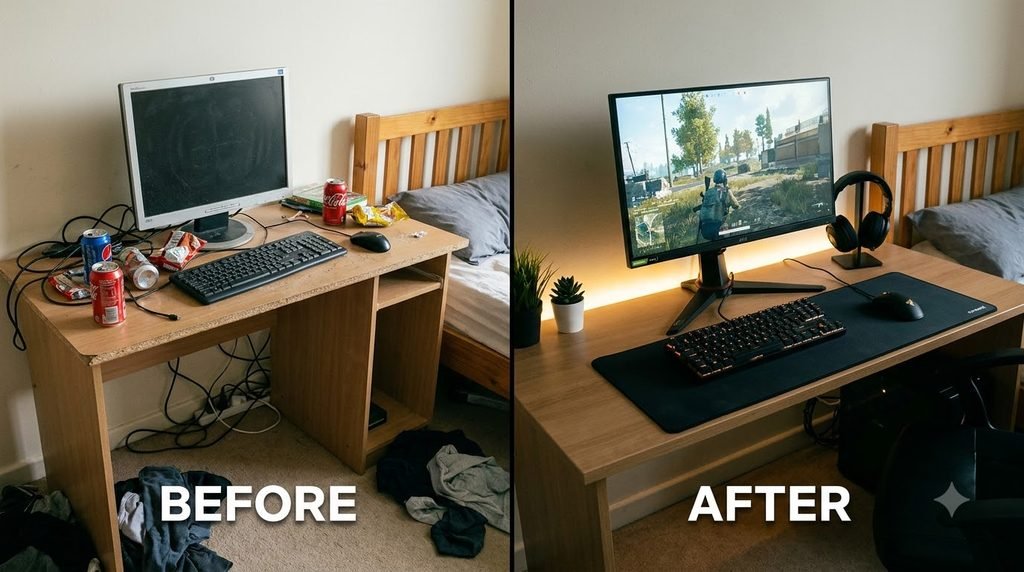
Here’s the part most people overlook.
A good gaming setup isn’t just about expensive hardware.
It’s about organization.
1. Hide the cables
Use inexpensive cable clips and ties.
2. Keep one visual theme
Black + white.
All black.
Dark grey.
Whatever you like.
Just avoid turning the desk into a rainbow explosion.
3. Use a large mouse pad
It immediately makes the desk look more complete.
4. Keep the desk clean
Don’t cover it with random boxes, controllers and accessories.
5. Add lighting later
A simple LED strip behind the monitor can completely change the atmosphere.
But don’t make it part of the initial ₹10K budget.
₹10K Gaming Setup: Where Should You Spend More?
Here’s my general priority order:
Priority 1 — Monitor
You’ll look at it every time you play.
Priority 2 — Mouse
Especially important for FPS and competitive games.
Priority 3 — Keyboard
Comfort matters during long sessions.
Priority 4 — Headset
Important for communication and audio.
Priority 5 — Aesthetics
RGB, lighting, decorations and other upgrades come last.
That’s the order I’d use.
The Global Budget Trick
Here’s something important if you’re reading this outside India.
₹10,000 isn’t the same amount of money everywhere.
So don’t blindly convert ₹10,000 into your local currency and assume the same products will cost the same.
Taxes, import duties, regional pricing, sales and availability can completely change the final price.
Instead, use the budget proportions from this guide.
For example:
60–65% → Monitor
10–15% → Keyboard + Mouse
10–12% → Headset
3–5% → Mouse Pad
2–5% → Cable management
That strategy works regardless of where you’re shopping.
Is a ₹10,000 Gaming Setup Worth It?
If you already have the computer or console, absolutely.
The important thing isn’t how much RGB you have.
It’s how enjoyable the setup is to use.
A sensible ₹10,000 setup could give you:
A high-refresh 1080p monitor
A comfortable mouse
A reliable keyboard
A decent headset
A clean desk
That’s enough to create a genuinely enjoyable gaming environment.
And you can upgrade it later.
Pros & Cons of a ₹10K Gaming Setup
✅ Pros
- Affordable starting point
- Great for students and beginners
- Can provide a high-refresh 1080p display
- Easy to upgrade over time
- Doesn’t require expensive RGB accessories
- Works well around an existing PC, laptop or console
❌ Cons
- Not enough for a complete gaming PC
- Limited choice of premium peripherals
- Budget keyboards may be membrane
- You may need to compromise on headset quality
- Monitor quality depends heavily on sales and availability
Final Recommendation
If you’re working with only ₹10,000, don’t try to build the setup everyone shows on Instagram or YouTube.
Build the setup that makes sense for your actual gaming needs.
I’d start with a 24-inch 1080p high-refresh monitor, pair it with a comfortable budget keyboard and mouse, add a basic headset and finish everything with a large mouse pad.
Then stop.
Use the setup.
After a few months, you’ll know exactly what you want to upgrade.
Maybe it’s the mouse.
Maybe it’s the keyboard.
Maybe it’s the monitor.
Maybe you don’t need to upgrade anything.
That’s much smarter than spending the entire budget on things that simply look good in a thumbnail.
Frequently Asked Questions
Can I build a complete gaming PC under ₹10,000?
Not realistically if you mean a modern gaming PC plus monitor and peripherals. ₹10,000 is much more suitable for building the desk setup around an existing PC, laptop or console.
Is 1080p still good for gaming in 2026?
Yes. 1080p remains a practical resolution for budget gaming, particularly when paired with high refresh rates and entry-level or mid-range hardware. Current 2026 monitor guides continue to recommend 1080p for budget-focused gaming systems.
Is 144Hz better than 60Hz?
A higher refresh rate can make motion look and feel smoother when your system can produce enough frames. However, the benefit depends on your hardware and the games you play.
Do I need an RGB gaming keyboard?
No. RGB is an aesthetic feature. It doesn’t increase gaming performance.
Should I buy a gaming chair with my ₹10,000 budget?
I’d prioritize your monitor and peripherals first. If you already have a comfortable chair, keep using it.
Is a gaming laptop enough for this setup?
Yes. If your laptop can handle your games, you can use the ₹10,000 budget to add a monitor and peripherals.
Should I buy a mechanical keyboard?
Only if you find one that fits your budget without forcing you to compromise on more important components.
How can I make my cheap gaming setup look better?
Keep the desk clean, hide cables, use a large mouse pad and stick to a simple visual theme. Lighting can be added later.